
TROUBLESHOOTING GUIDE — Case 4 (Moisture in system) and Case 5 (No refrigerant circulation)
U-16prose procedureCase 4: Moisture in system
| Specification | Value |
|---|---|
| Measured pressure — Low-pressure sideCase 4 | 50 cmHg (2.0 inHg) [Vacuum]cmHg / inHg |
| Measured pressure — High-pressure sideCase 4 | 687—1,472 kPa (7—15 kg/cm², 100—213 psi)kPa / kg/cm² / psi |
Measured pressure — Low-pressure sideCase 4
50 cmHg (2.0 inHg) [Vacuum]cmHg / inHg
Measured pressure — High-pressure sideCase 4
687—1,472 kPa (7—15 kg/cm², 100—213 psi)kPa / kg/cm² / psi
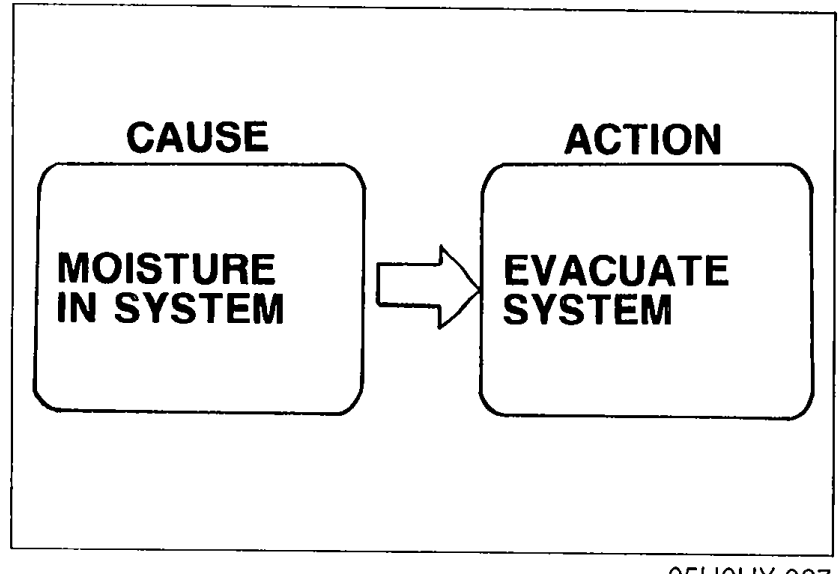
Condition: Intermittent cooling (Moisture in refrigeration system freezes in expansion valve and causes temporary blocking. After time, ice melts and condition returns to normal.)
Case 4 troubleshooting
- 1Discharge the refrigeration system. (Refer to page U-28.)
 05U0UX-027
 - 2Evacuate the system to remove all air and moisture from it. (Refer to page U-29.)
- 3Charge the system with refrigerant. (Refer to page U-28.)
- 4After charging, measure the refrigerant pressure. (Refer to page U-31.)
- 5If low- and high-pressure sides are still too high, replace the receiver/drier.
Case 5: No refrigerant circulation
| Specification | Value |
|---|---|
| Measured pressure — Low-pressure sideCase 5 | 76 cmHg (3.0 inHg) [Vacuum]cmHg / inHg |
| Measured pressure — High-pressure sideCase 5 | Below 589 kPa (6 kg/cm², 85 psi)kPa / kg/cm² / psi |
Measured pressure — Low-pressure sideCase 5
76 cmHg (3.0 inHg) [Vacuum]cmHg / inHg
Measured pressure — High-pressure sideCase 5
Below 589 kPa (6 kg/cm², 85 psi)kPa / kg/cm² / psi
Condition: Refrigerant flow obstructed by moisture or dirt, causing freezing or blockage of expansion valve
Case 5 troubleshooting
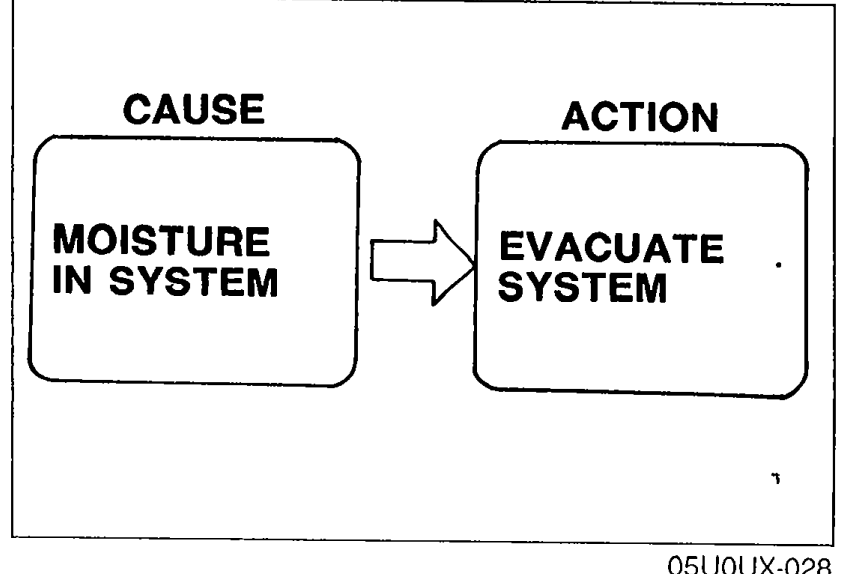
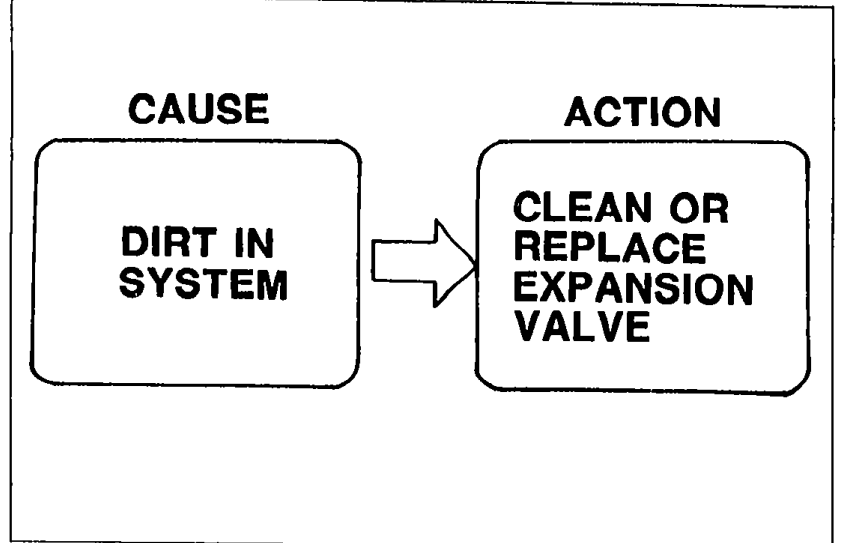
- 1Turn the air conditioner OFF for about 10 minutes. Turn the air conditioner ON to determine whether the blockage is due to moisture or dirt. a) If caused by moisture: System will operate normally after being OFF for 10 minutes. (Ice melts and relieves blockage.) Refer to "Moisture in system". b) If caused by dirt: System remains abnormal after being OFF 10 minutes. Go to Step 2.
 05U0UX-028
 - 21. Remove the expansion valve. (Refer to page U-33.) 2. Blow out the dirt with compressed air. 3. If unable to remove the dirt, replace the expansion valve. 4. Evacuate, charge, and test the system.
 05U0UX-029