
AUDIO — Anti-theft System
T-113prose procedureAnti-theft System
NOTE
The anti-theft system is activated if the electrical power source is ever disconnected from the audio unit. When the system is activated, the audio unit will not operate when reconnected to a power supply, and CODE will flash on the display unit the correct code number is input. If the anti-theft system is activated, reset the unit as described; refer to "If anti-theft system is activated".
The anti-theft system is activated in the following conditions;
1. Negative battery cable is disconnected.
2. Battery is discharged.
3. Audio unit connectors are disconnected.
Setting procedure
- 1Turn the audio unit off with the ignition switch ACC.
 05U0TX-241
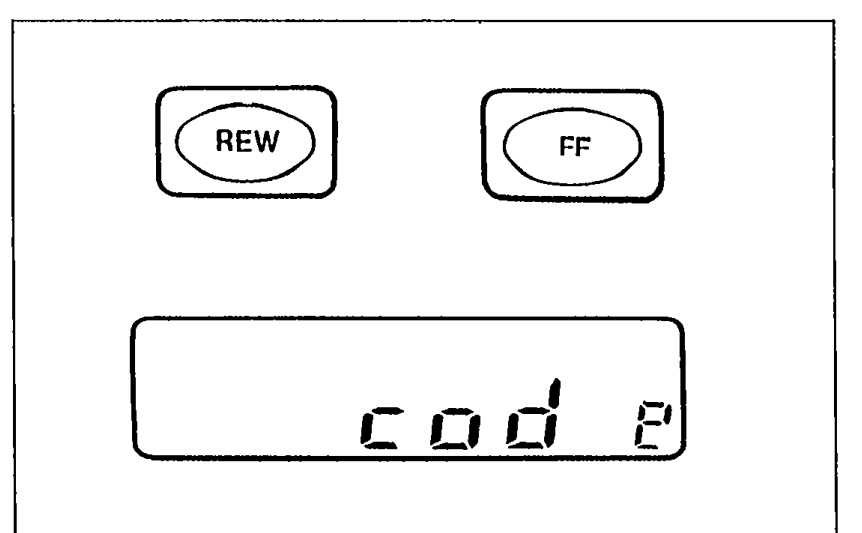
 - 2Push REW and FF simultaneously for approximately 2 seconds until CODE is on the display.
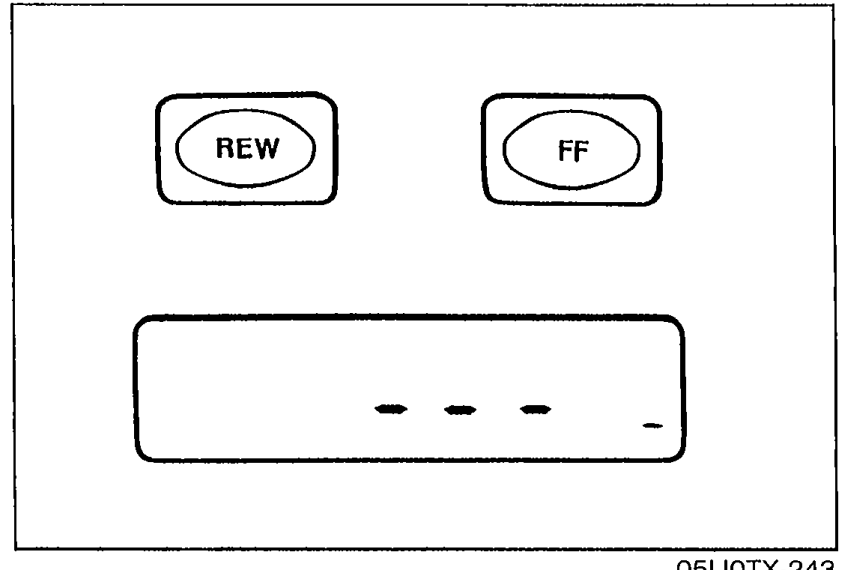
- 3Again push REW and FF while CODE is displayed (within 10 seconds). The display will exhibit bars.Record the personal code number before attempting to input it.
 05U0TX-243
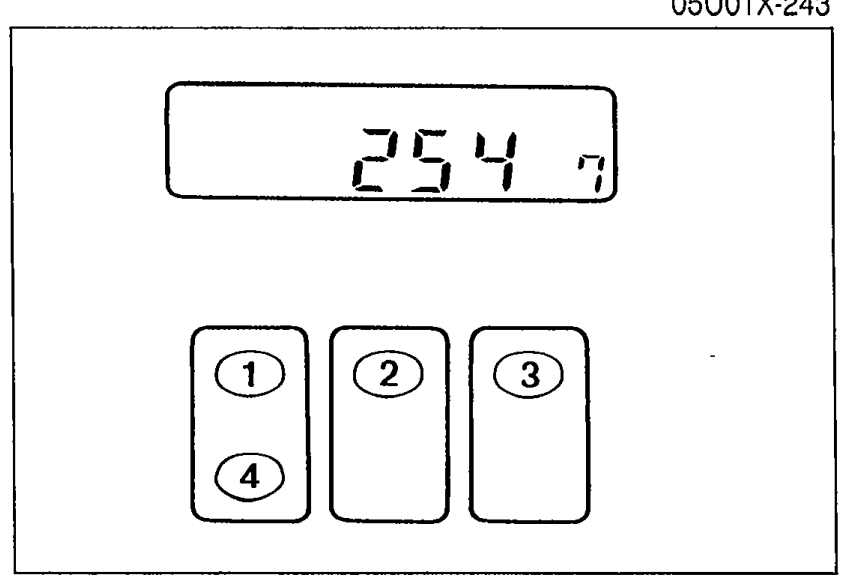
 - 4While the bars are displayed, input the personal code number by pressing preset channel buttons 1, 2, 3 and 4. Press 1 for the first digit, 2 for the second, 3 for the third, and 4 for the last digit. ex. Setting 2547 — Press 1 three times, 2 six times, 3 five times and 4 eight times.If the display returns to time while inputing, begin from the Step 1.
 05U0TX-244
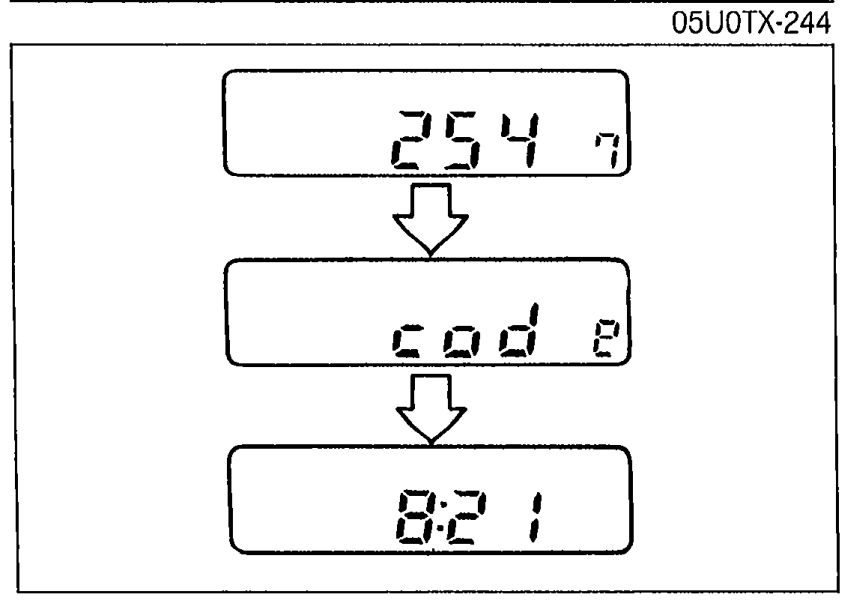
 - 5With the code number is displayed, press REW and FF approximately 2 seconds until a beep is heard and CODE begin to flash.
 05U0TX-245
 - 6After approximately 5 seconds, the display will change to time. This indicates the system is set.
See also
If anti-theft system is activated