
AUDIO — Anti-theft: Canceling code number / If activated / Deactivating
T-114prose procedureCanceling code number
- 1Begin with the audio unit off and the ignition switch in ACC position (time displayed).
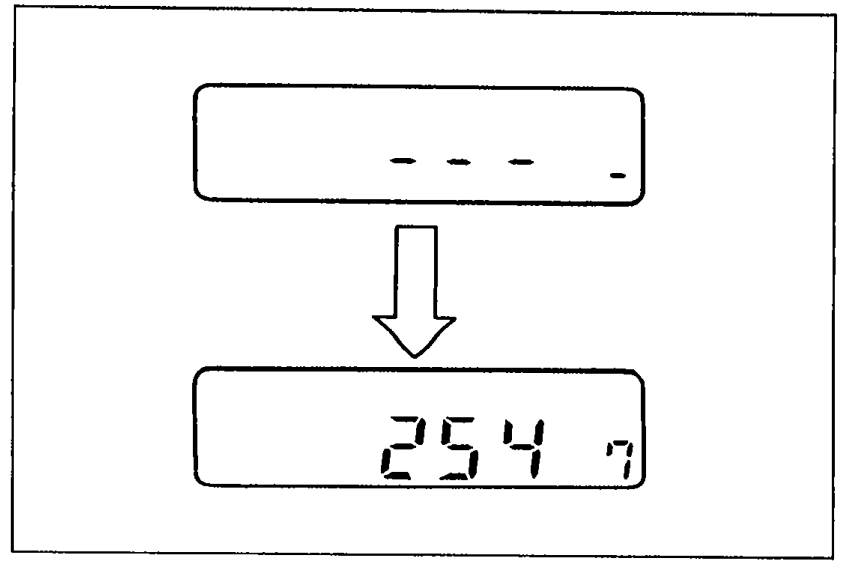 05U0TX-334
 - 2Press REW and FF simultaneously for approximately 2 seconds unit CODE is displayed and flashes.
- 3Again press REW and FF while CODE is flashing (within 10 seconds). The display will exhibit bars.
- 4While the bars are displayed, input the current code number as described in setting procedure Step 4. (2547, for example).
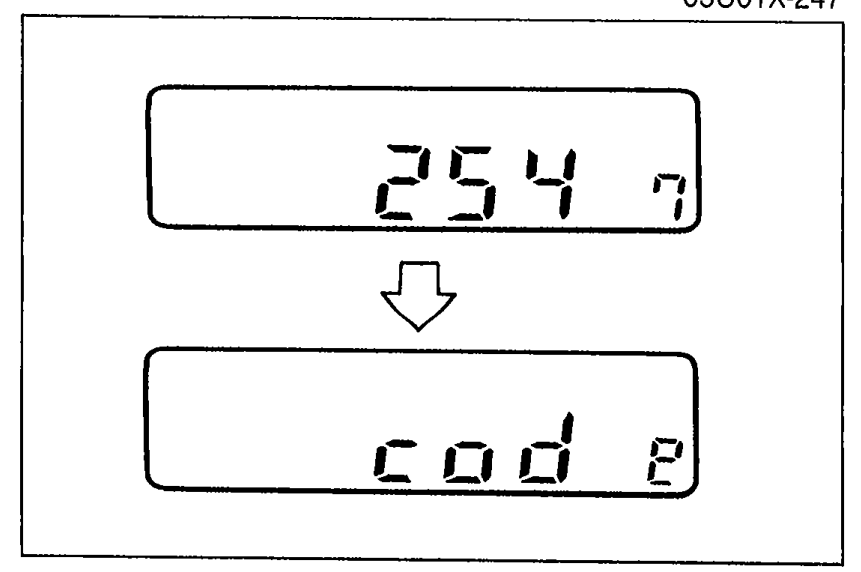
- 5With the code number on the display, press REW and FF for approximately 2 seconds until a beep is heard and CODE appears. After 5 seconds, CODE will disappear and the clock mode will appear. This indicates the code number is canceled.If Err appears on the display, begin from Step 1.
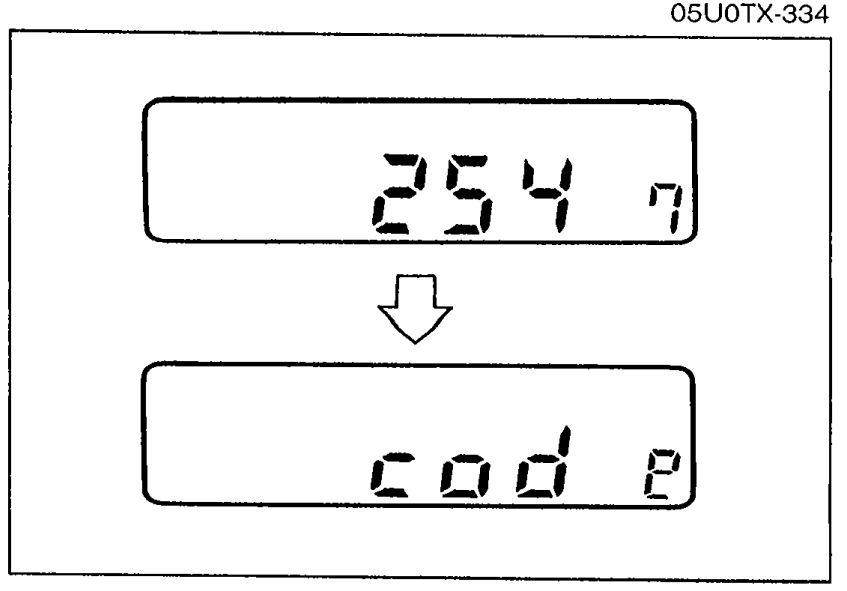 05U0TX-335
If anti-theft system is activated
NOTE
If the anti-theft system is activated, CODE appear on the display until previous code number is inputted.
To deactivable anti-theft system
- 1Push REW and FF until bars are displayed.
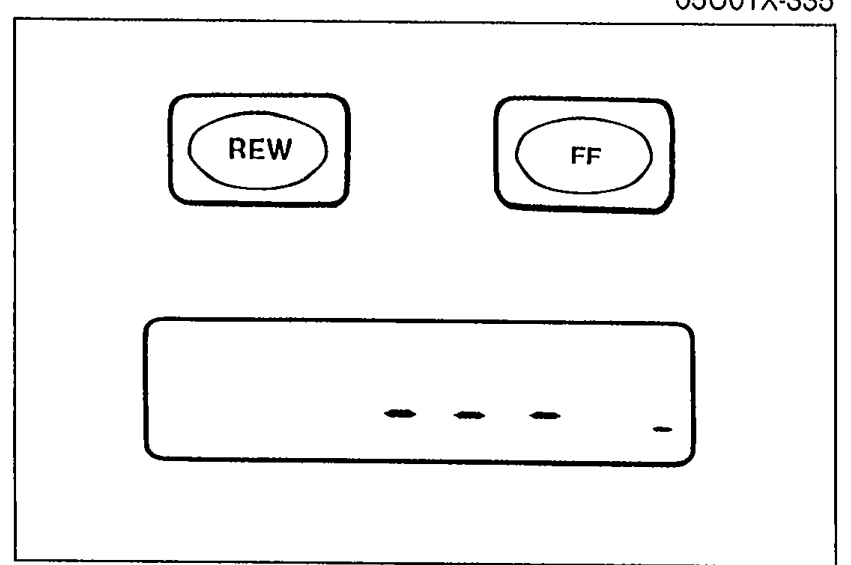 05U0TX-246
 - 2While bars are displayed, input the code number as described in setting procedure.
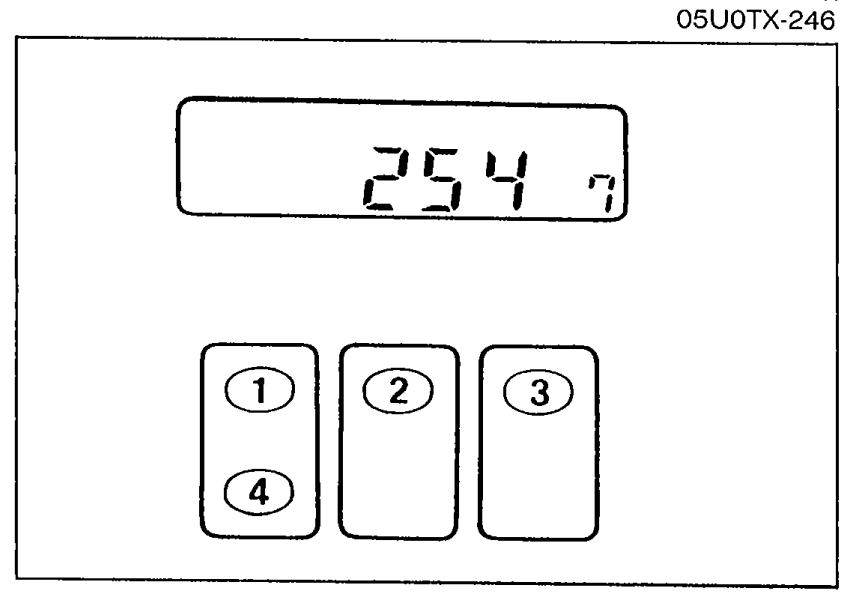 05U0TX-247
 - 3Push REW and FF approximately 2 seconds until a beep is heard CODE is and displayed. CODE will flash for 5 seconds then disapears to indicate that the system is operable.
 05U0TX-248
 - 4If Err (error) appears, try again from Step 1.Three consecutive error will activate the anti-theft system, and the audio unit will be completely inoperable.Have the audio unit changed at listed panasonic service Co.