
AUDIO - Compact Disc Player
T-125prose procedureCompact Disc Player
Symptom: Compact disc will not load.
NOTE
When a damaged or dirty compact disc is loaded, the audio unit detects such, and ejects the compact disc.
Step 1
- 1Check if a known good compact disc will load.
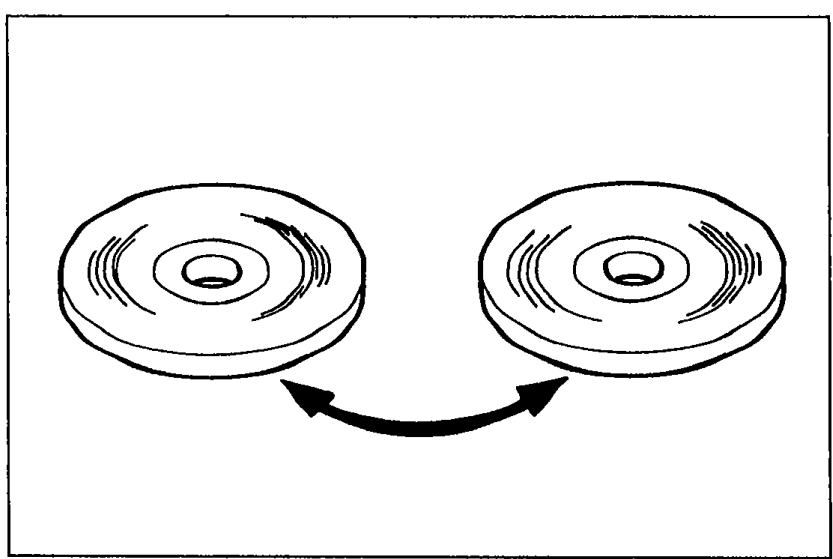 9MU0TX-406
 - 2If the compact disc will load, the system is OK.
- 3If the compact disc will not load, go to Step 2.
Step 2
- 1Check if the radio operates normally.
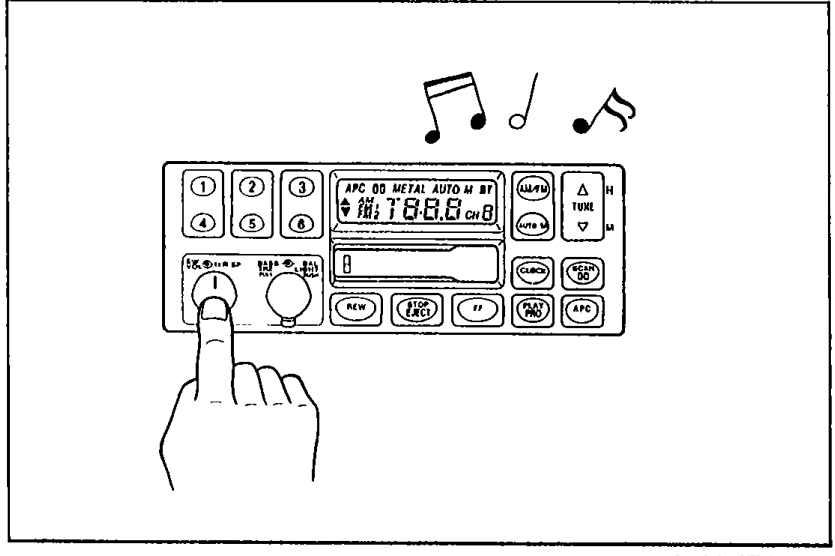 05U0TX-268
 - 2If the radio operates normally, replace the audio unit.
- 3If the radio does not operate there is defective in the power supply circuit. (Refer to "Speakers does not sound", pages T-115 or 117.)
Symptom: Compact disc skips.
NOTE
Compact disc skipping may be hard to recreate because it is a result of the vehicle encountering sharp road shocks. This is a normal condition if skipping happens only infrequently.
Remedy
- 1Check with the driver if skipping occurs often.
- 2If it occurs often, check that the audio unit is properly installed. (1) If the audio unit is not installed properly, remedy it. (2) If the audio unit is installed properly, replace the audio unit.