
AUDIO - Cassette Tape Player (continued)
T-124prose procedureSymptom: Cassette tape will not play.
Step 1
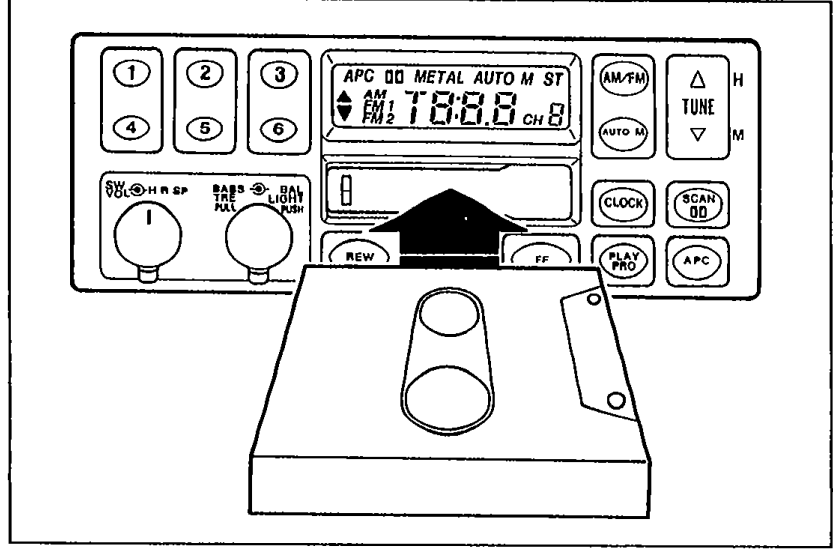
- 1Check if cassette tape will load.
 05U0TX-343
 - 2If cassette tape will not load, see, "Cassette tape will not load". (Refer to page T-123.)
- 3If cassette tape loads, go to Step 2.
Step 2
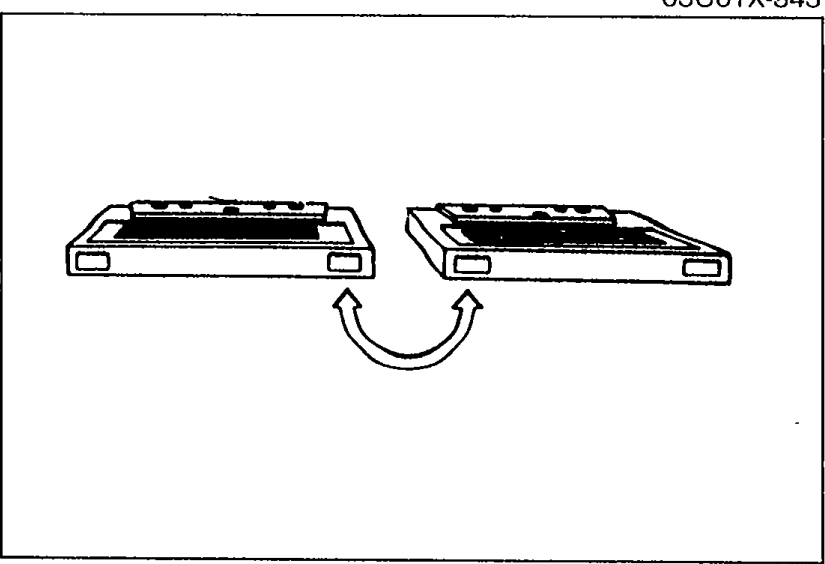
- 1Play a known good tape, and check the sound quality.
 05U0TX-463
 - 2If sound quality is normal, the previous tape is defective. The system is OK.
- 3If sound quality is still poor, go to Step 3.
Step 3
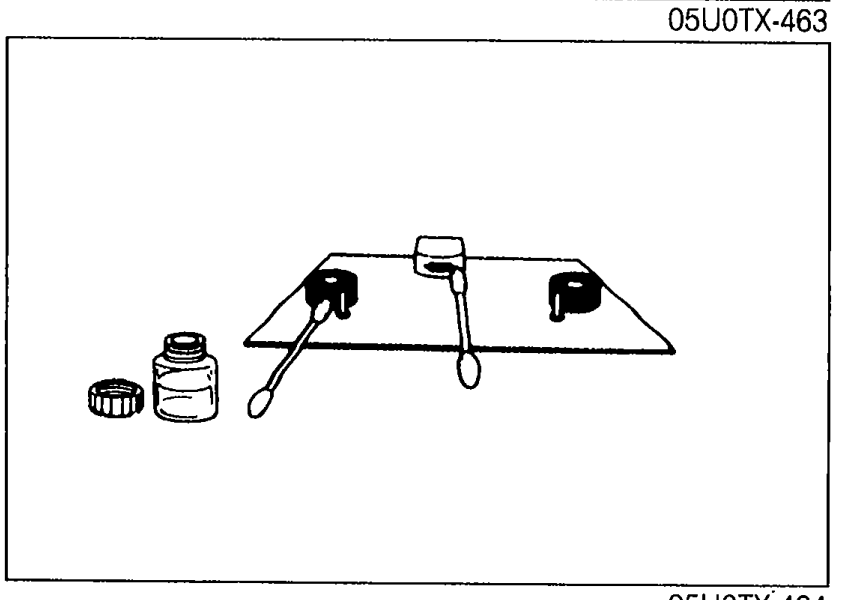
- 1Check for oxide or dirt on the head, capstan, and pinchroller.
 05U0TX-464
 - 2If oxide or dirt is found, clean the parts with a head cleaner.
- 3If after cleaning the parts, the tape still does not play, refer to "Speaker(s) do not operate", pages T-115 or 117.