
AUDIO - Radio (continued)
T-121prose procedureStep 5
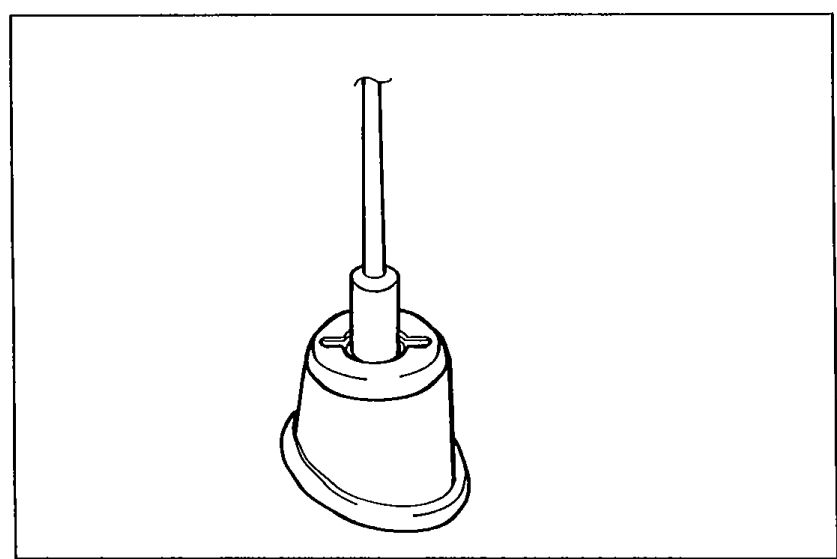
- 1Check for proper tightness of the antenna mounting nut.
 05U0TX-338
 - 2If the nut is loose, tighten it.
- 3If the nut is tight, go to Step 6.
Step 6
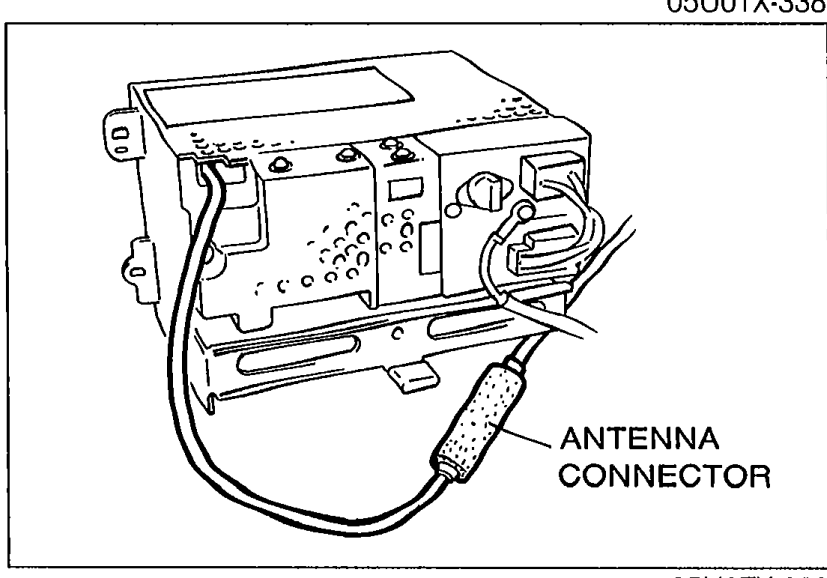
- 1Remove the audio unit.
 05U0TX-339
 - 2Check for proper connection of the antenna connector.
- 3If necessary, repair or reconnect it.
- 4If the connection if OK, replace the audio unit.