
AUDIO - Cassette Tape Player (continued)
T-123prose procedureSymptom: Cassette tape will not load.
Step 1
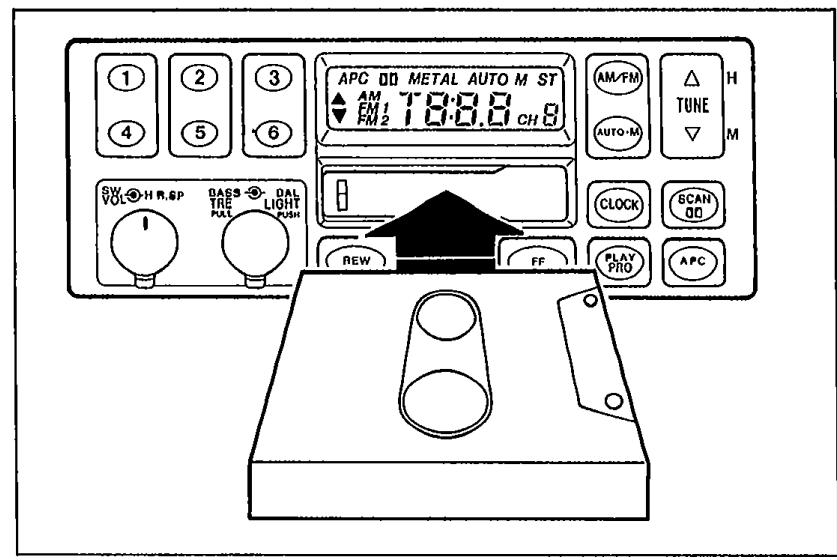
- 1Check if a known good cassette tape will load.
 9MU0TX-384
 - 2If the tape loads, the previous tape is defective. The system is OK.
- 3If the tape will not load, go to Step 2.
Step 2
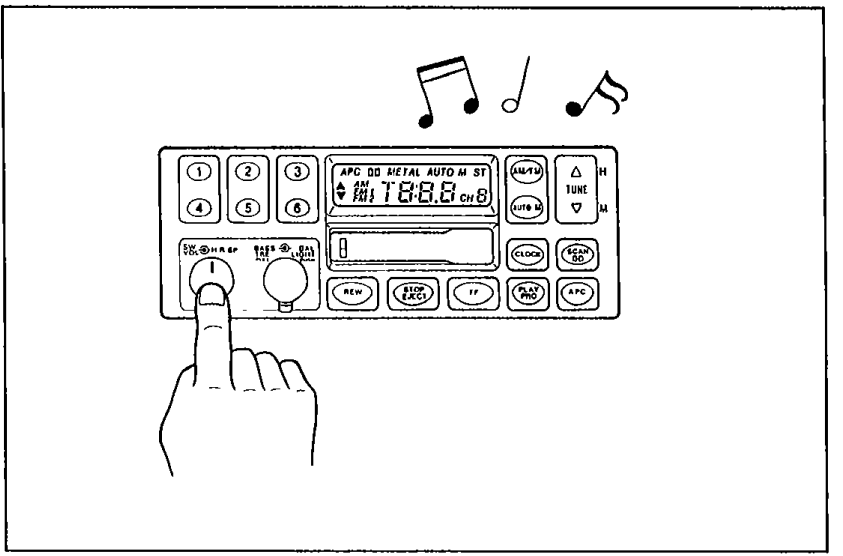
- 1Check if radio operation is OK.
 05U0TX-266
 - 2If radio operation is OK, replace the audio unit.
- 3If the radio do not operate, there is a defect in the power supply circuit. (Refer to "Speaker(s) do not operate", pages T-115 or 117.)