
AUDIO - Cassette Tape Player
T-122prose procedureCassette Tape Player
Symptom: Poor sound quality.
NOTE
Before troubleshooting, verify that the customer is using the audio system correctly. If not, instruct him/her in the proper operating procedurer. (Refer to pages T-110.)
If a speaker(s) do not operate, refer to "Speaker(s) do not operate". (pages T-115 or 117).
Step 1
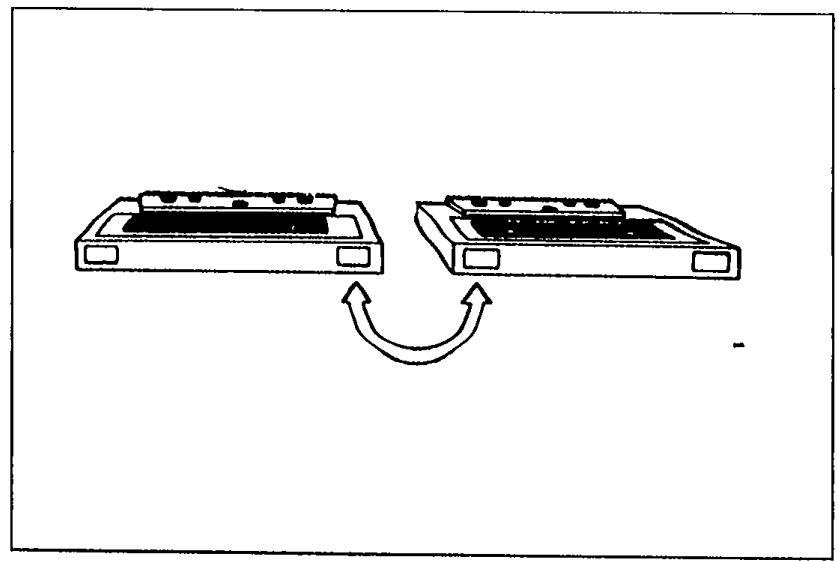
- 1Play a known good tape, and check the sound quality.
 05U0TX-340
 - 2If sound quality is normal, the previous tape is defective. The system is OK.
- 3If sound quality is still poor, go to Step 2.
Step 2
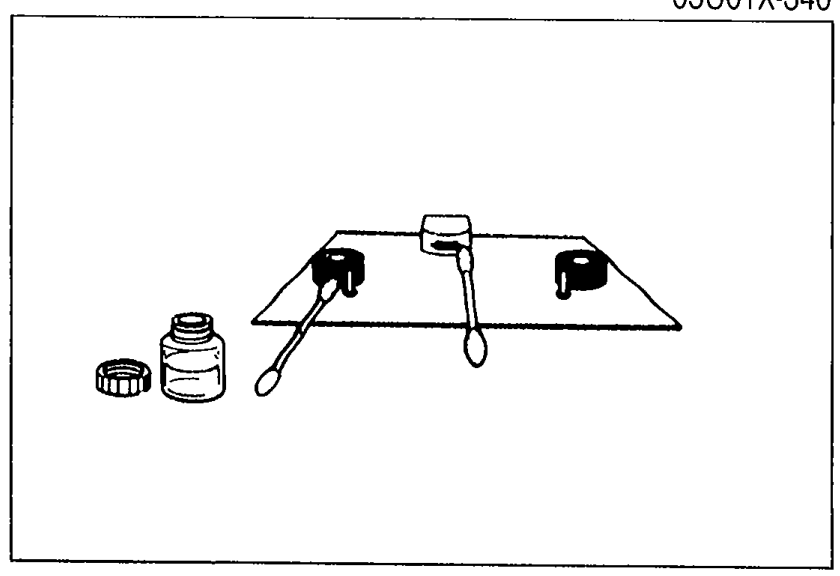
- 1Check for oxide or dirt on the head, capstan, and pinchroller.
 9MU0TX-380
 - 2If oxide or dirt is found, clean the parts with a head cleaner.
- 3If there is no oxide or dirt, go to Step 3.
Step 3
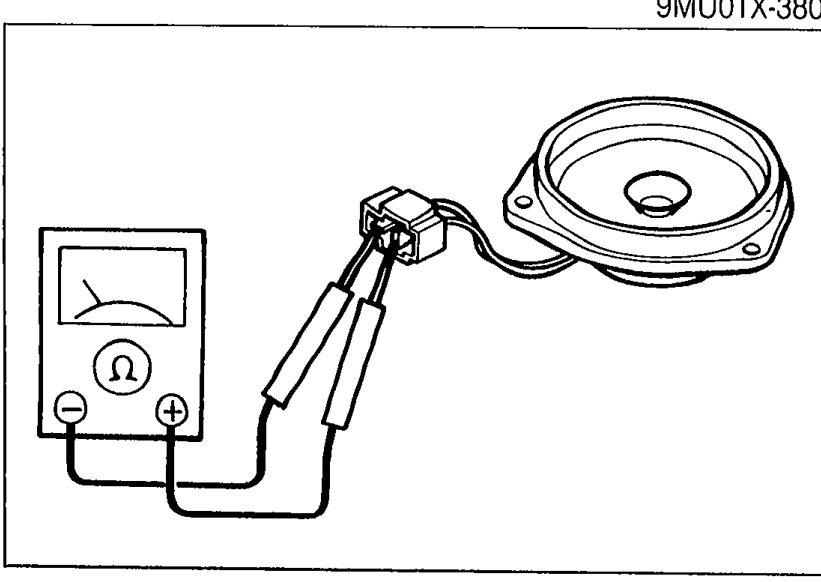
- 1Check for damage to the speakers.
 05U0TX-341
 - 2Check for proper connection of the speaker connectors.
- 3Disconnect all speaker connectors, and measure resistance of each speaker.
- 4If a speaker has incorrect resistance or is damaged, replace it.
- 5If the speakers are OK, go to Step 4.
| Specification | Value |
|---|---|
| Resistance | 4Ω |
Resistance
4Ω
Step 4
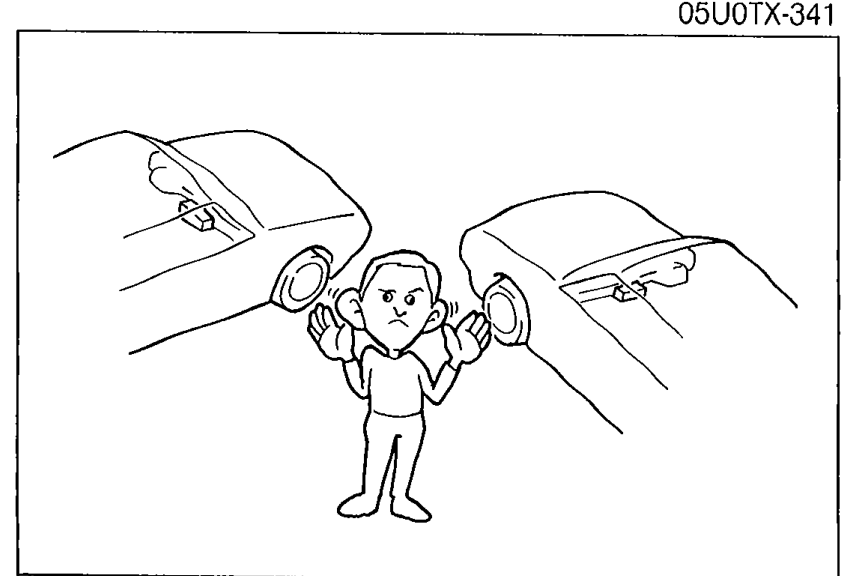
- 1Compare sound quality with that of another vehicle that has the same type of audio system.
 9MU0TX-382
 - 2If the sound quality is inferior to the other unit, replace the audio unit.